Interactive stories, drawn as graphs.
Ripple Effect is a desktop application for writing branching narrative. You lay passages out on a canvas, wire each choice to what it leads to, and press play to walk the result — over a folder on your own disk.
Free, and there is no account to make. Every platform, and how to install
Early development — expect rough edges and bugs.
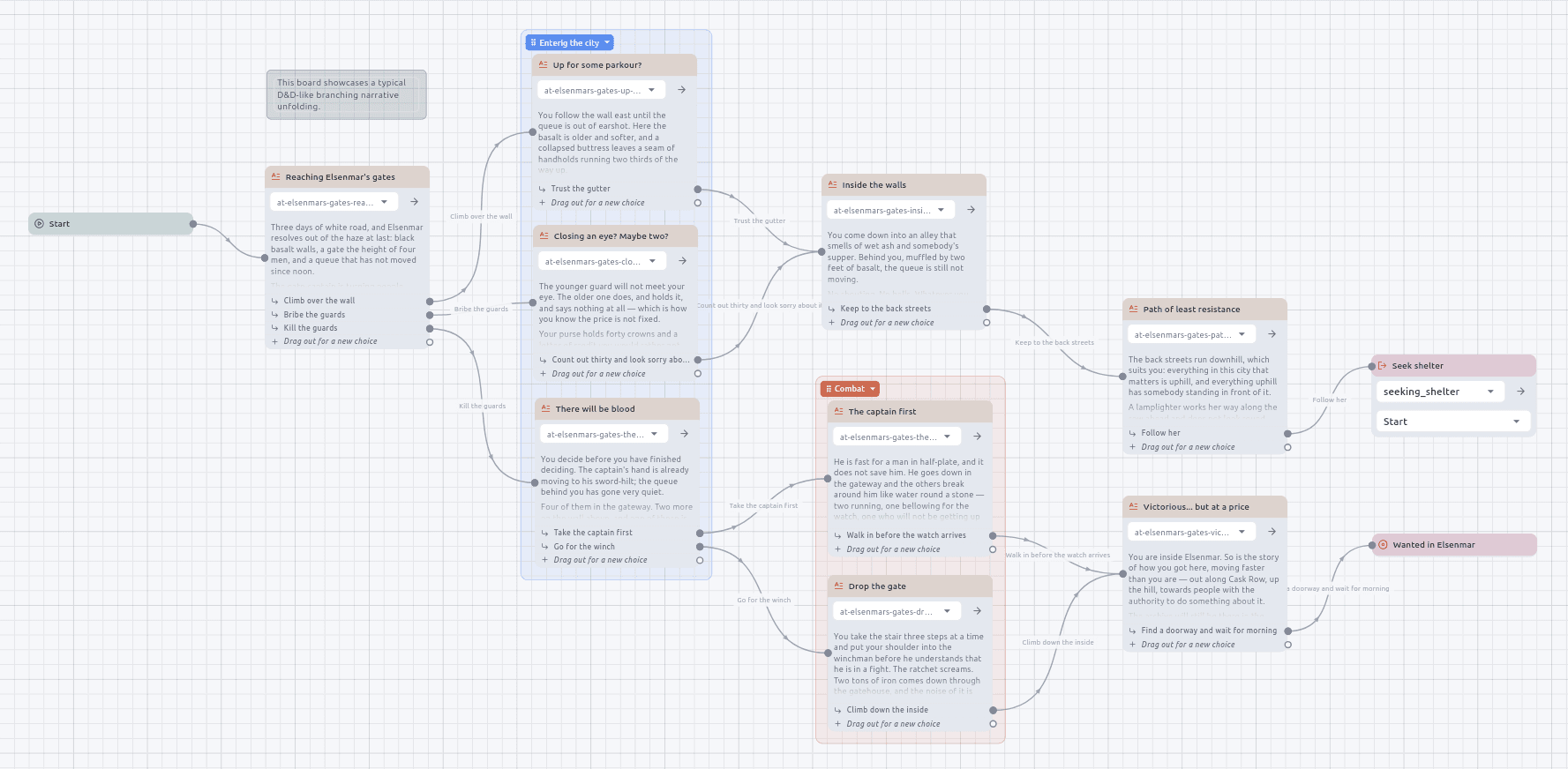
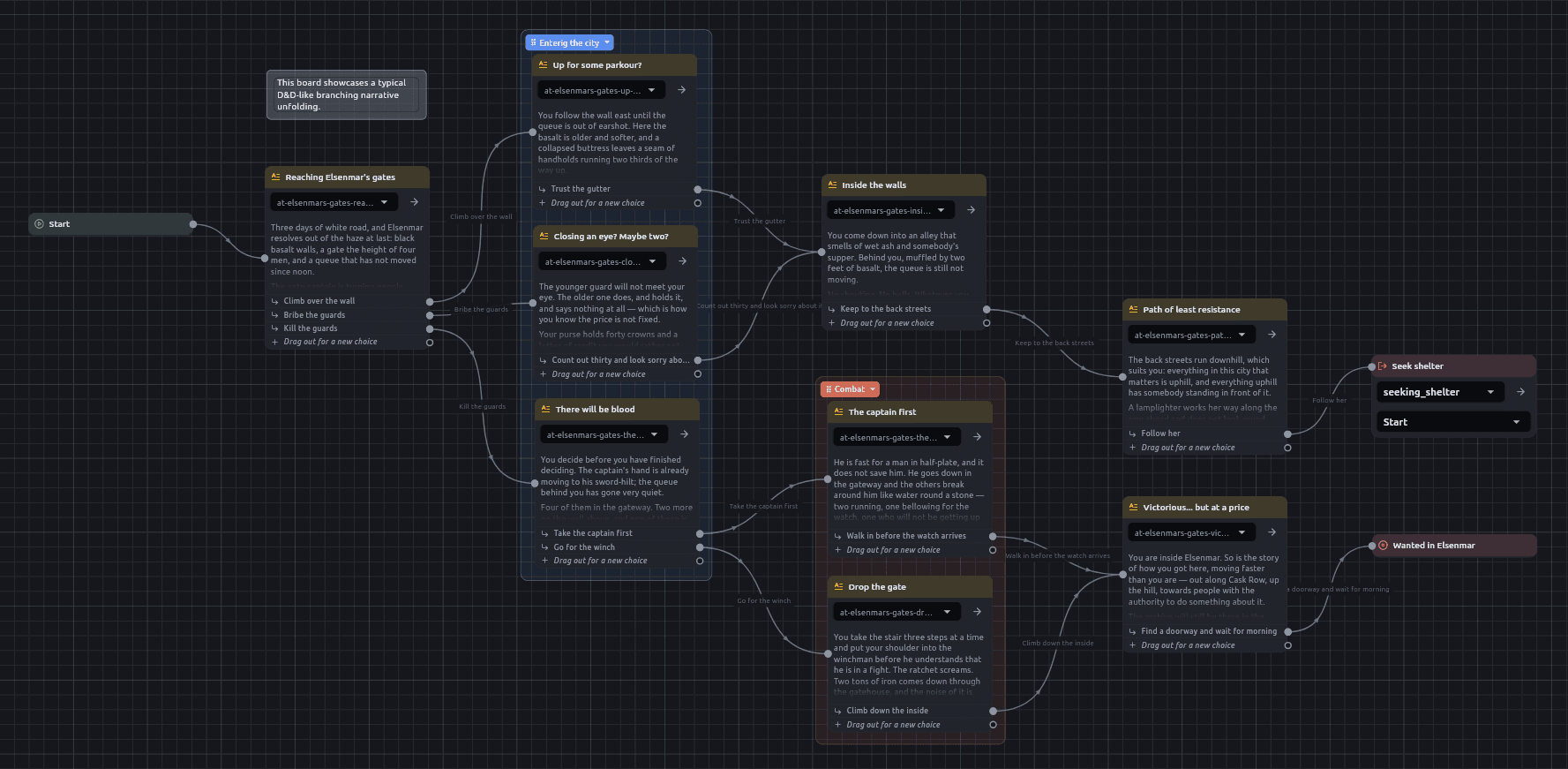
Everything is a file
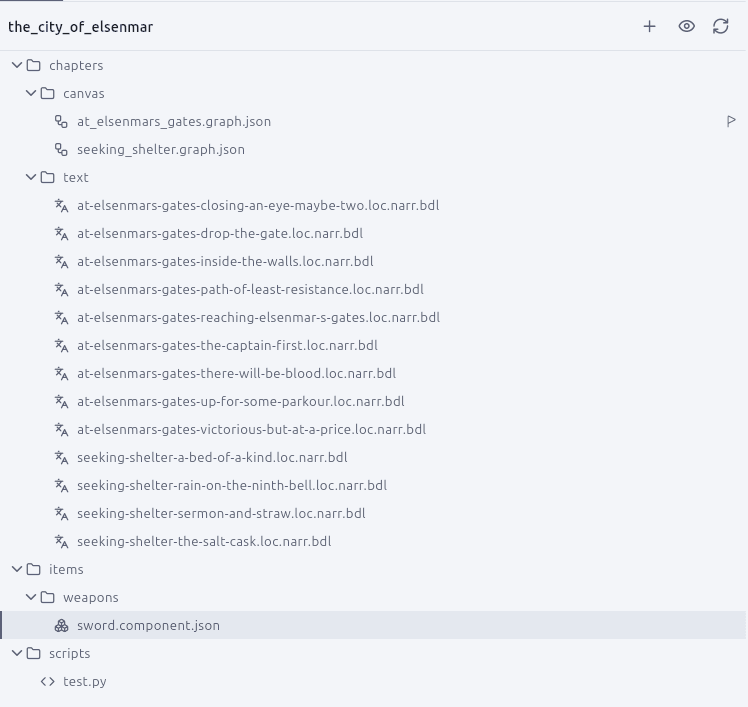
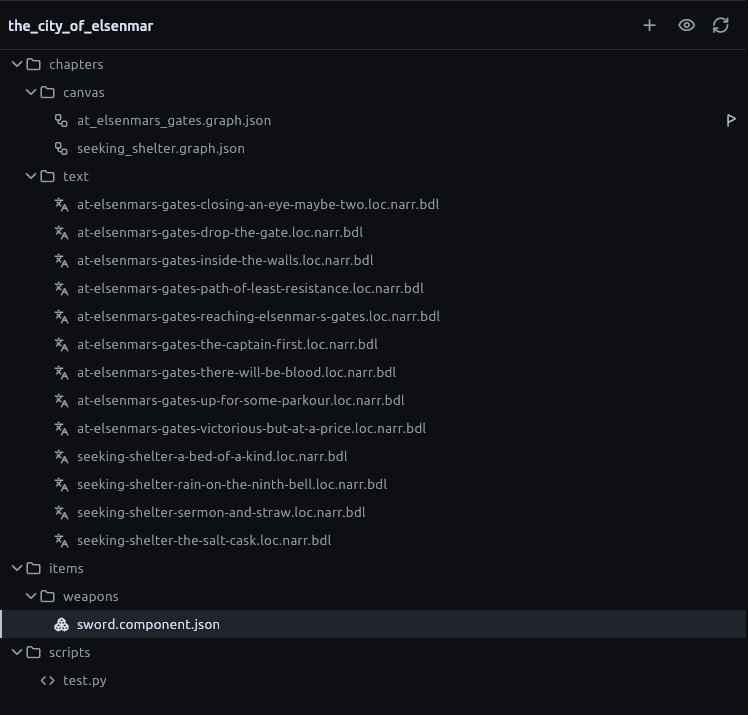
A project is a view onto a folder. The app writes no scaffold into it, imposes no layout and claims no ownership — open a directory you already have and it is a project.
No proprietary, opaque format
Boards are JSON. Prose is Markdown. Scripts are .py. Every one of them opens in any editor you already trust, and keeps working if this app disappears.
Meant for version control
Stable ids, sorted keys and relative paths, so a diff reads as prose and two people can work on the same story without fighting over a binary blob.
A canvas that knows what a story is
The editor supplies geometry, wiring, selection, undo and execution. Everything above it — passages, choices, chapters, components — is there because a branching story needs it.
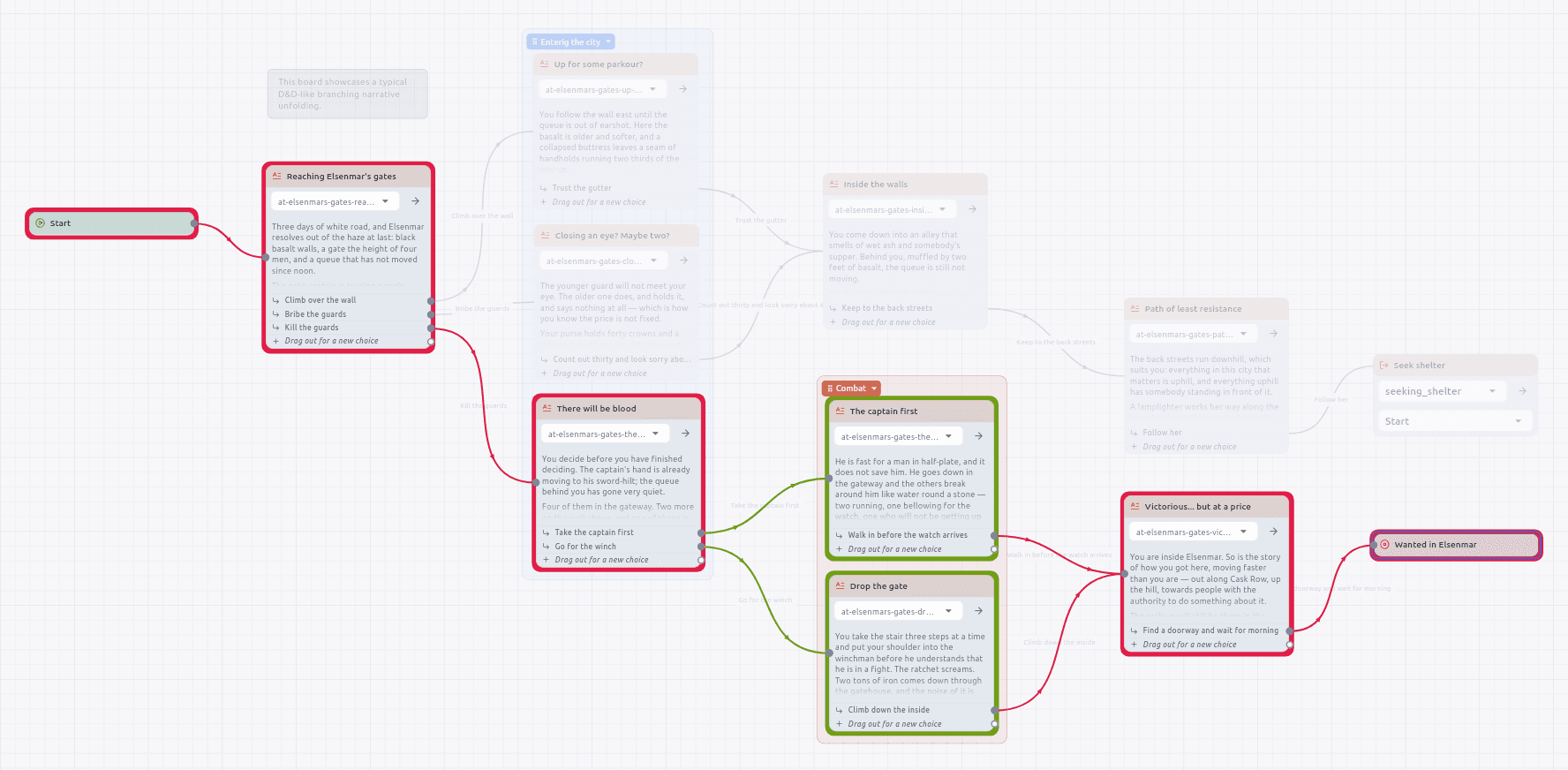
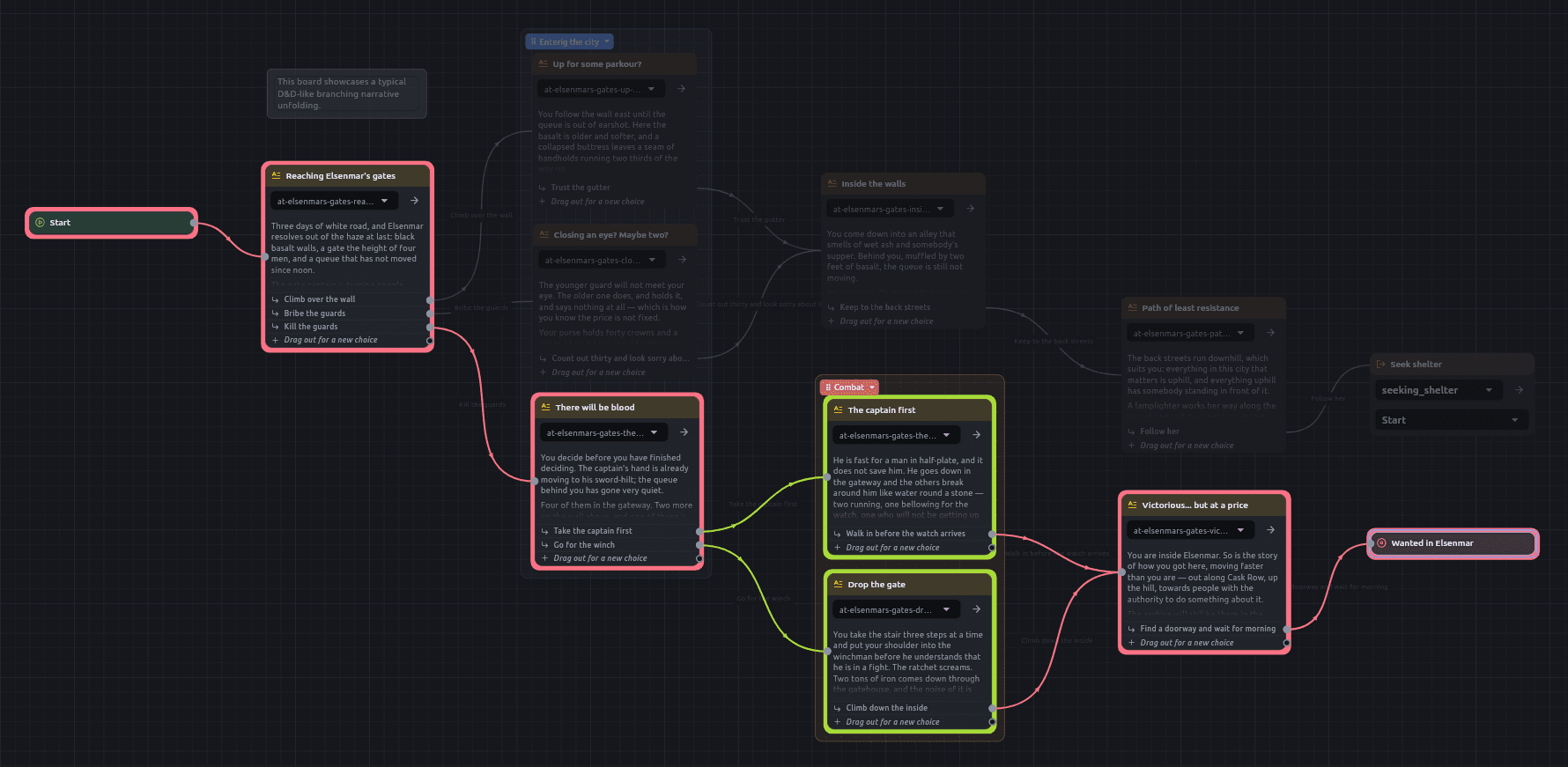
Ask how a reader could possibly have got here
Pick two passages and every route between them is drawn in colour while the rest of the board goes under a scrim. Runs that meet never share a hue, so the place where the routes part is the place the colour changes.
- Or pick one passage and ask what leads here, from wherever the story begins
- Cycles are fine — a loop back to an earlier chapter is drawn, not refused
- When a route arrives through another board, both boards open on one canvas
Walk the story you just wrote
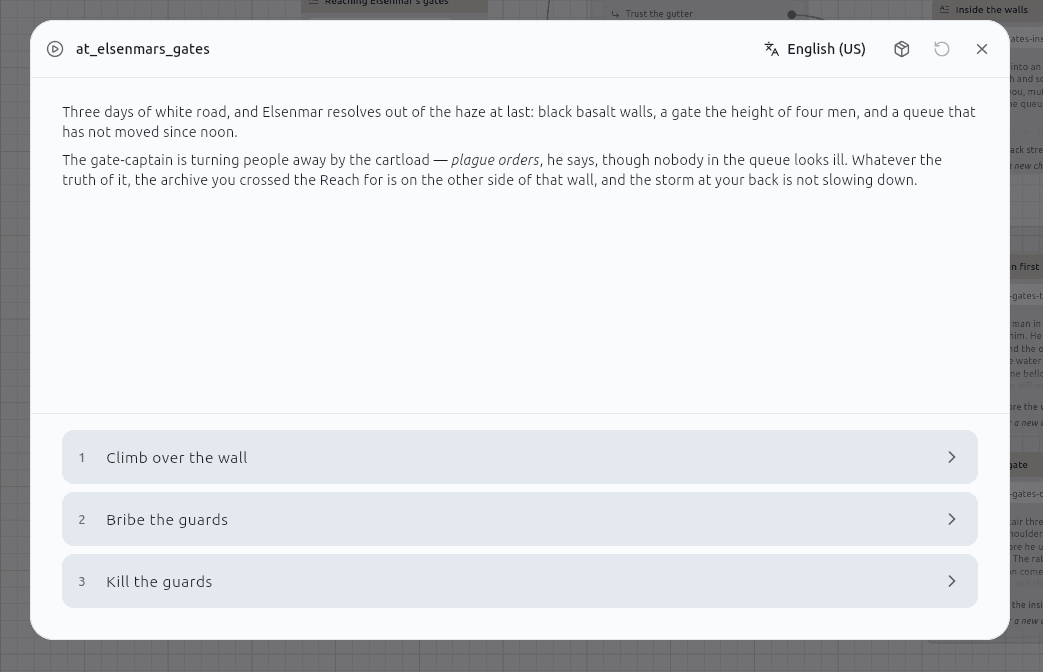
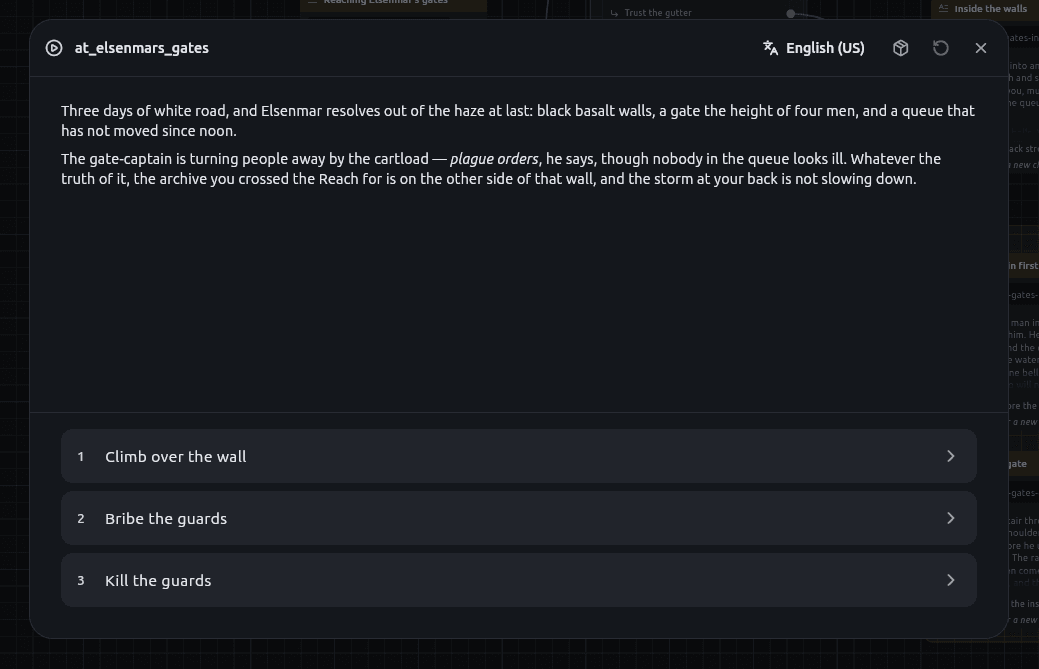
Press play and the graph runs: prose renders, choices become buttons, and the flow follows the wires across boards. A playthrough can be put down and picked back up, and the board can be edited while it is down.
- The checkpoint is a node id, so resuming re-reads the edited board
- A playthrough is ephemeral — nothing new is written into your folder
- Component instances survive the pause; what the story changed is kept
Real Python, in a sandbox that says what it can do
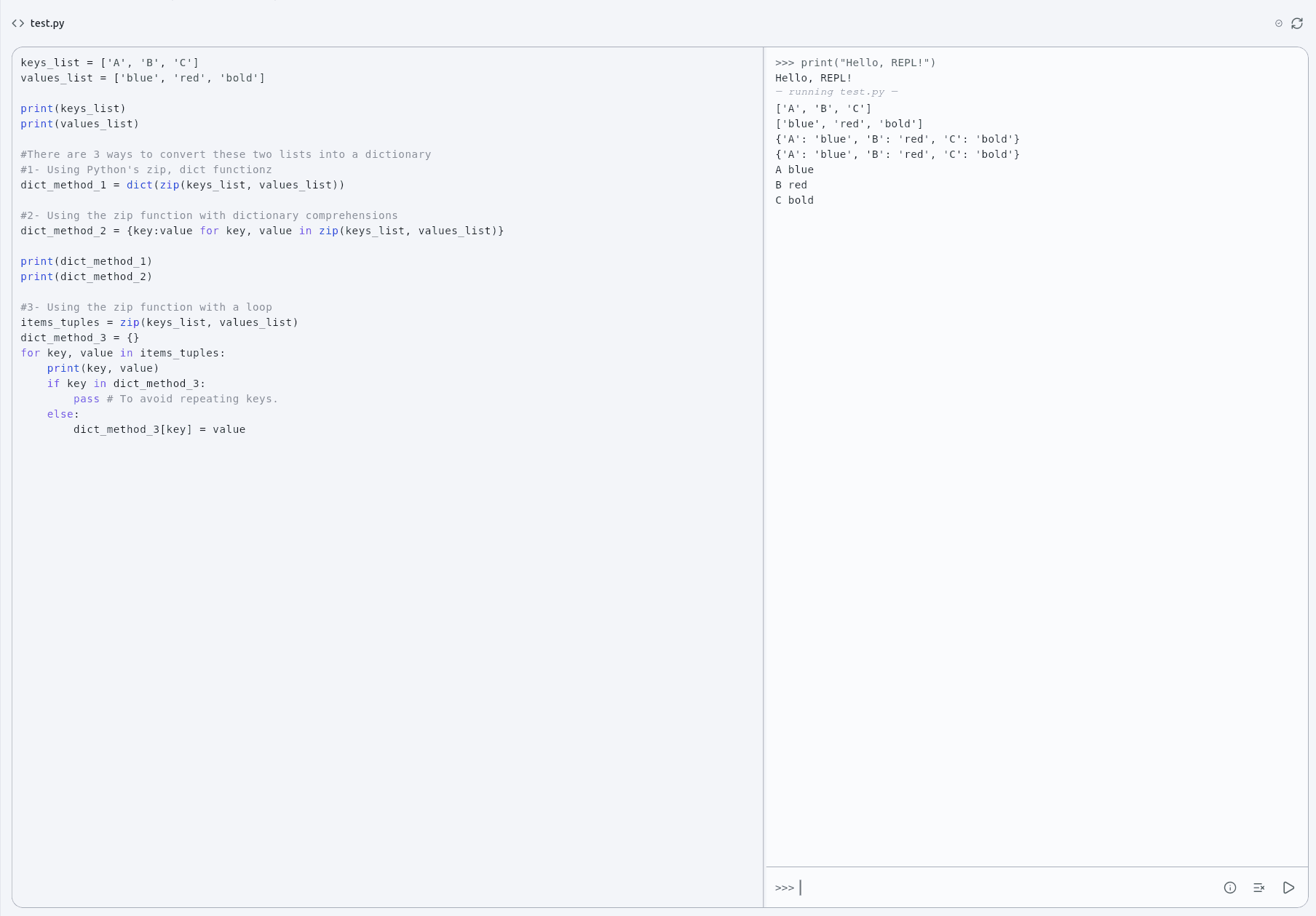
Script and Display nodes run a restricted Python subset on a background isolate, and prose can hold it too — a fenced block or a {{ … }} span, so a sentence can vary instead of forking into two passages.
- Values cross as native types: hp - damage is arithmetic, not a parse
- A traceback points at the line you wrote, not at generated scaffolding
- The sandbox panel probes the interpreter rather than describing it
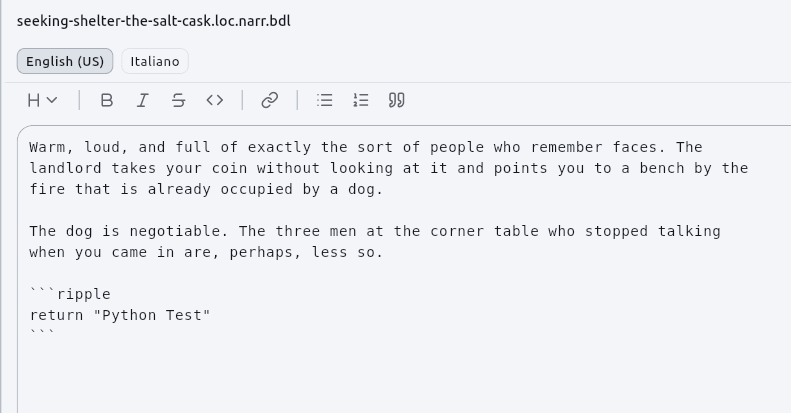
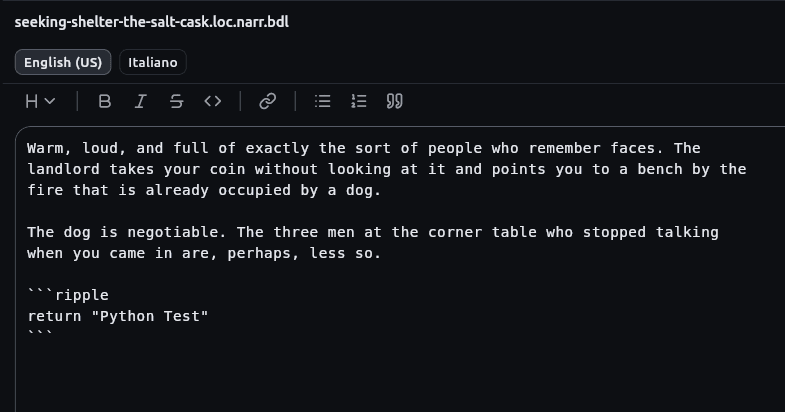
One passage, every language, one document
A passage is a folder holding one Markdown file per language, shown as a single file. A translator handed it can work in any editor, and a git diff still reads as prose.
- Choices are translated too — an untranslated one is a button nobody can press
- A translation that has fallen behind its source says so, and says why
- A language with no text says so rather than quietly falling back to English
See how the chapters hand the story on
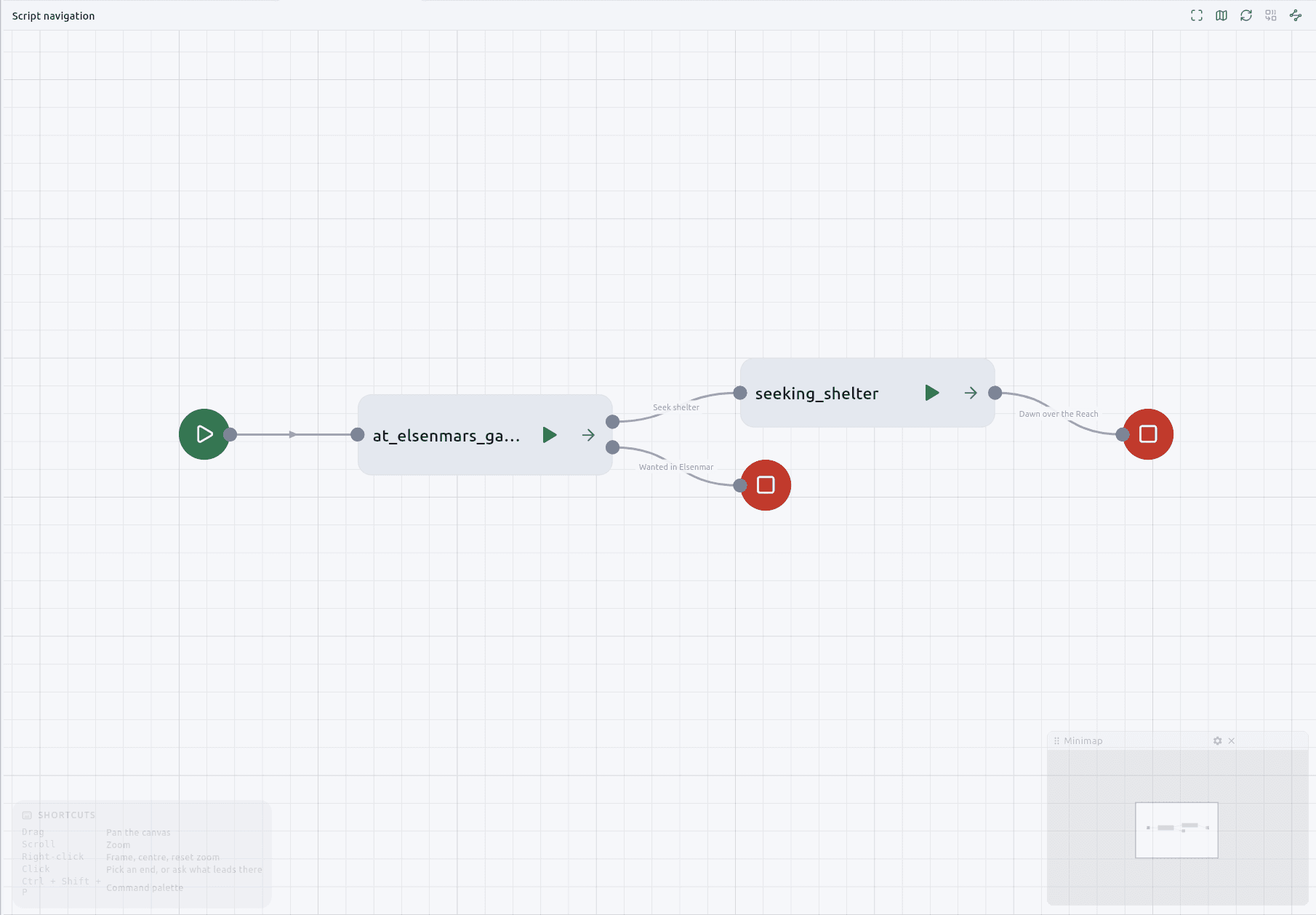
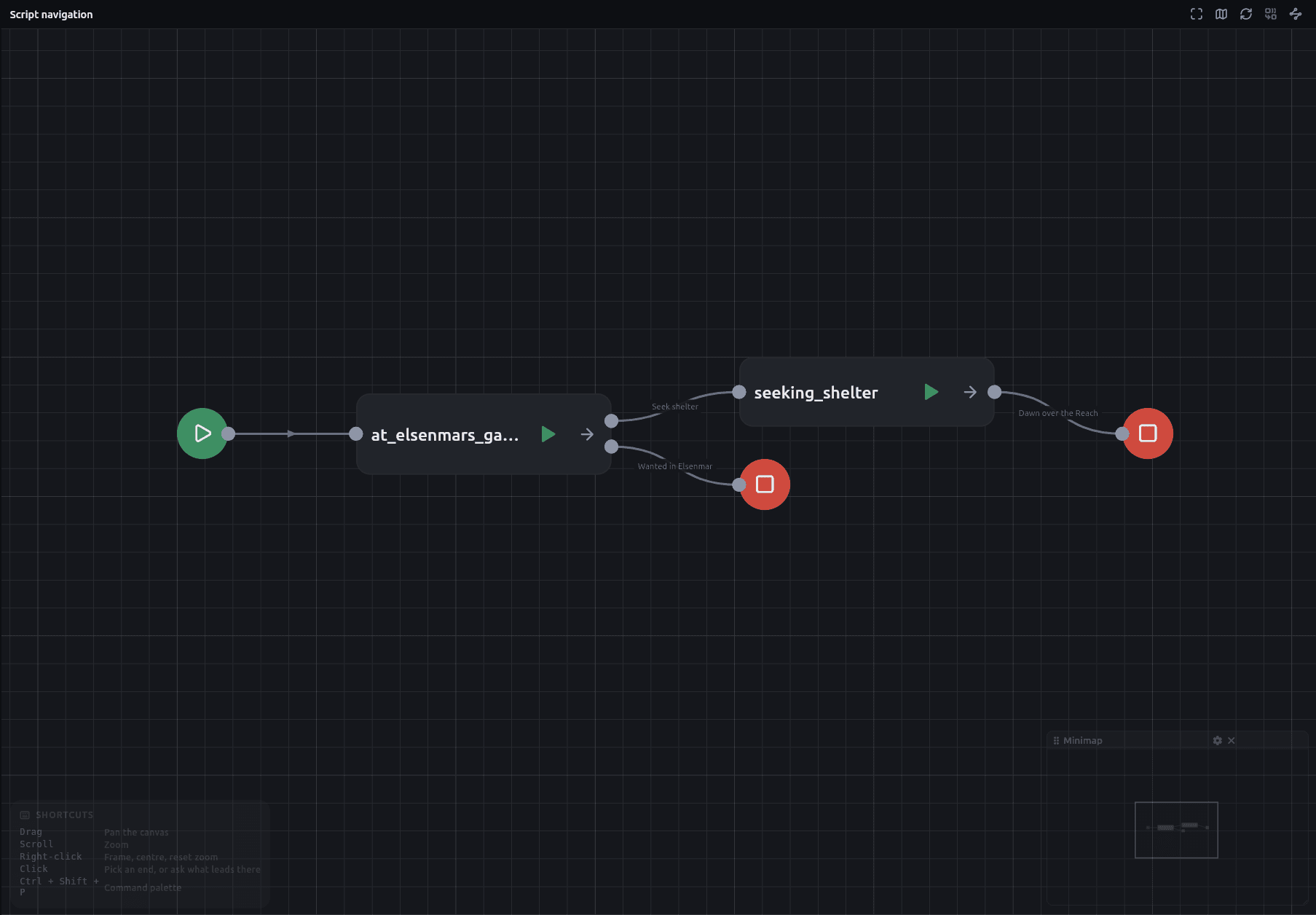
A read-only map of the whole project, laid out left to right in the order the story reaches things. The arrangement is deterministic, so a screenshot in a bug report means the same thing tomorrow.
- A start marker where a thread begins, a stop where one ends
- Play or open any chapter straight from its card
- Trace across chapters here the same way you trace across passages
The things a story keeps track of
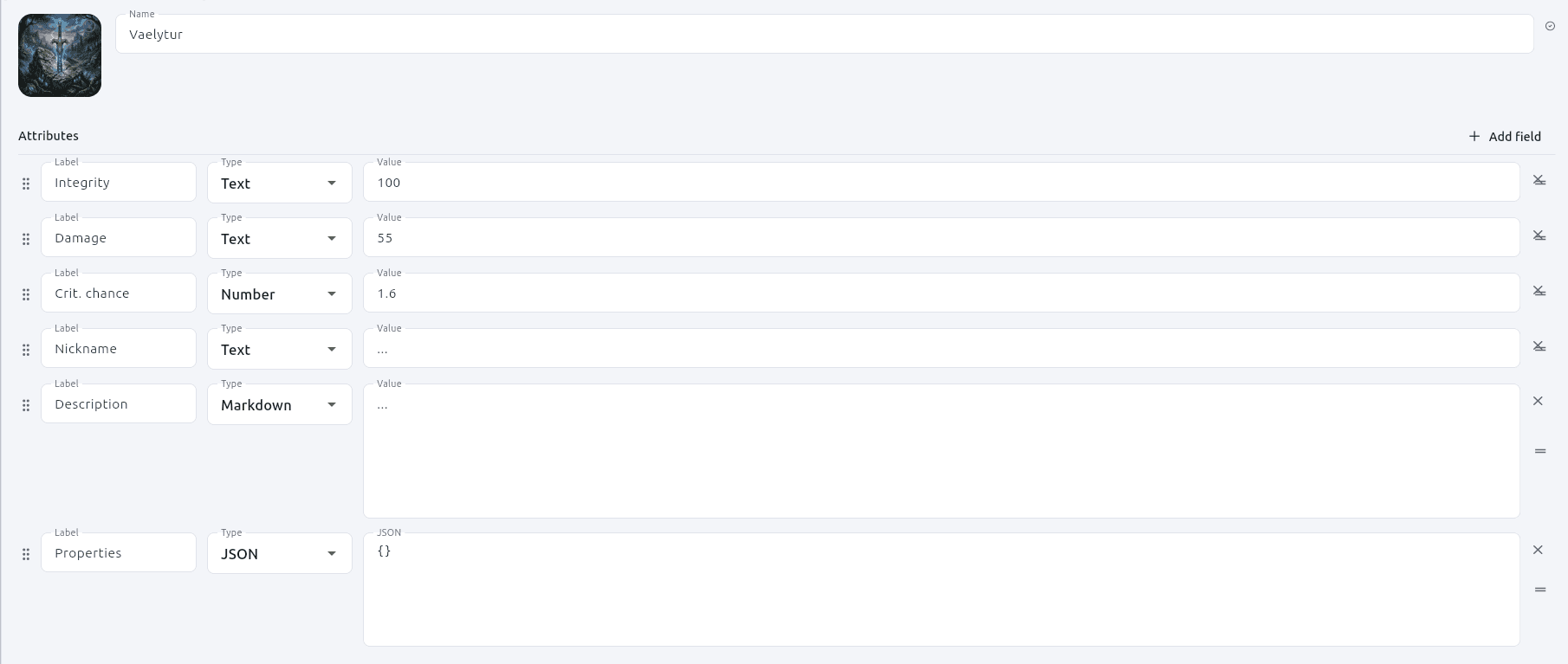
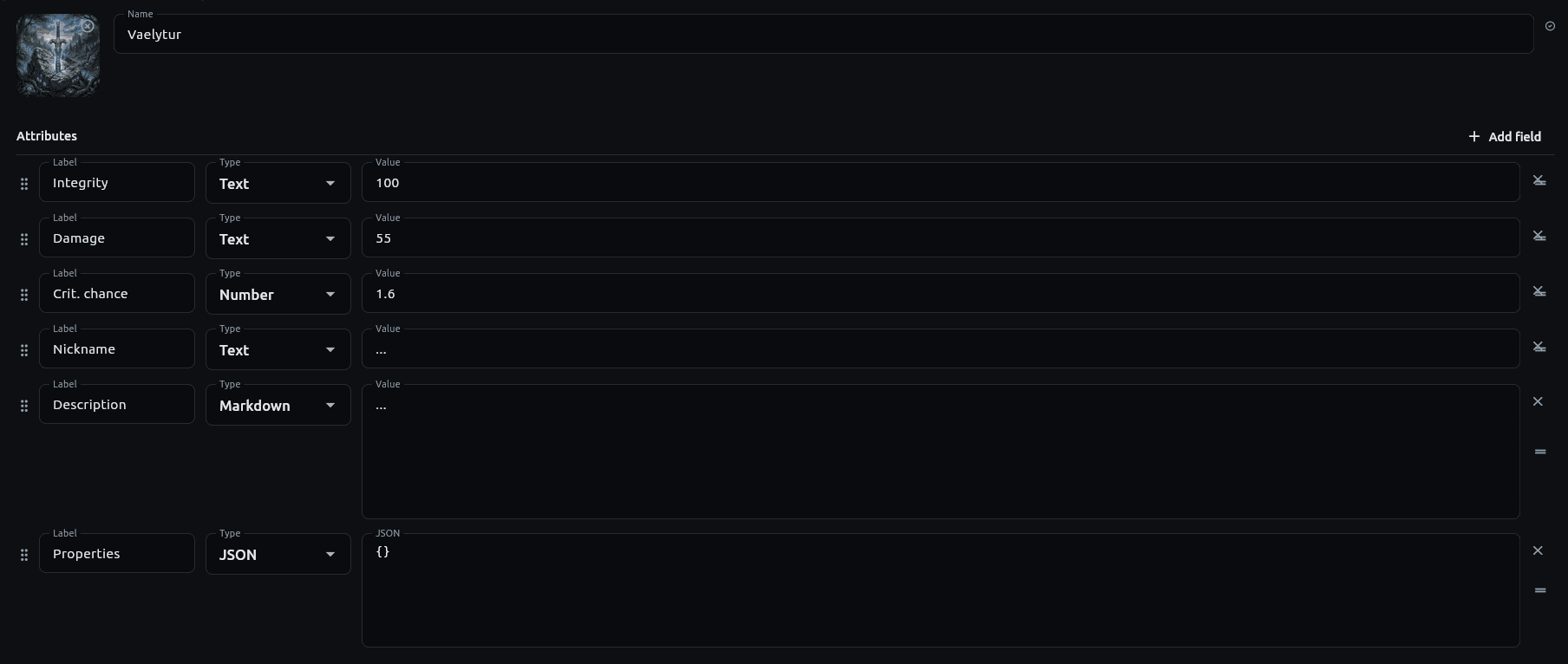
A sword, a character, a faction — a name and an ordered bag of typed attributes, with no schema behind it. Drop one on a canvas and it arrives with one typed output per attribute.
- Numbers stay numbers and JSON stays decoded; nothing is stringified in transit
- An instance is keyed by name, so a later board is holding the same sword
- Reordering a component's fields carries the wires with them
For anything whose shape is the paths through it
It began as a tool for D&D prep. What it turned out to be is a place to write anything that branches.
- Tabletop prep
- A session that survives contact with the table. Branches you did not plan for are a wire away, and the components remember what the party did to them.
- Quest and dialogue trees
- Choices on the wires, conditions on the nodes, and an export a build pipeline can read without knowing this app exists.
- Game design documents
- The interesting part of the document is the paths through it, and a graph is what that shape actually looks like.
- Interactive fiction
- Markdown prose, real branching, several languages in one document, and a play mode to read it back as a reader would.
Questions worth asking first
Open a folder and start writing
No account, no project scaffold, nothing written into your directory that you did not ask for.